Sony A33: Level Horizon
A level horizon is very important for landscape and architectural photography. The A33 comes equipped with a digital level gauge which makes leveling super simple.
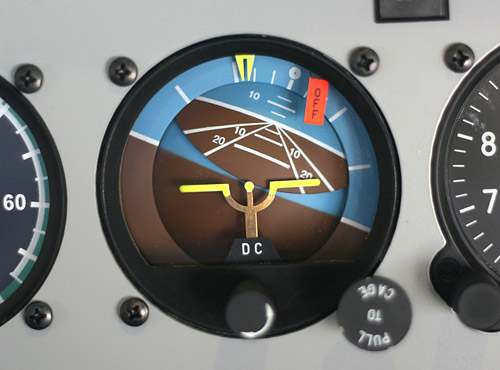
Now, you might be wondering…
“Why can’t I just level the image using photo editing software?”
Well you can, but you’ll be sacrificing image quality and time.
While a robust program like Photoshop does a good job rotating photos and retaining quality, less expensive programs often use algorithms that end up reducing the overall sharpness of the image after rotation.
In addition to this, if you have to go in and rotate multiple photos you’ll end up loosing lots of time. By getting the leveling right the first time, you’re effectively reducing your overall workflow time.
Digital Level Gauge
The digital level gauge is an on screen display that shows whether the camera is level in both the horizon and front to back directions.
To enable the digital level, press the DISP button until you see the following display…
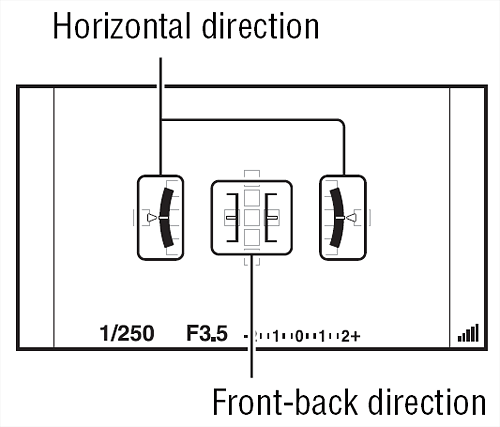
With the digital level activated, you can then monitor your angle while composing your shot. When the A33 is level in both directions, the level indicator turns green.
Check out the A33 homepage for more tips, advice and recommendations. Happy shooting!